

Legal, with real licenses
No cracks and no license bypass. Only games your Microsoft account owns or your subscription includes will start. Account tokens stay on your PC and only go to Microsoft.

Browse installed games in the library, then explore the Store catalog with Game Pass, Owned and Installed filters. Account details and personal paths are redacted in these screenshots.
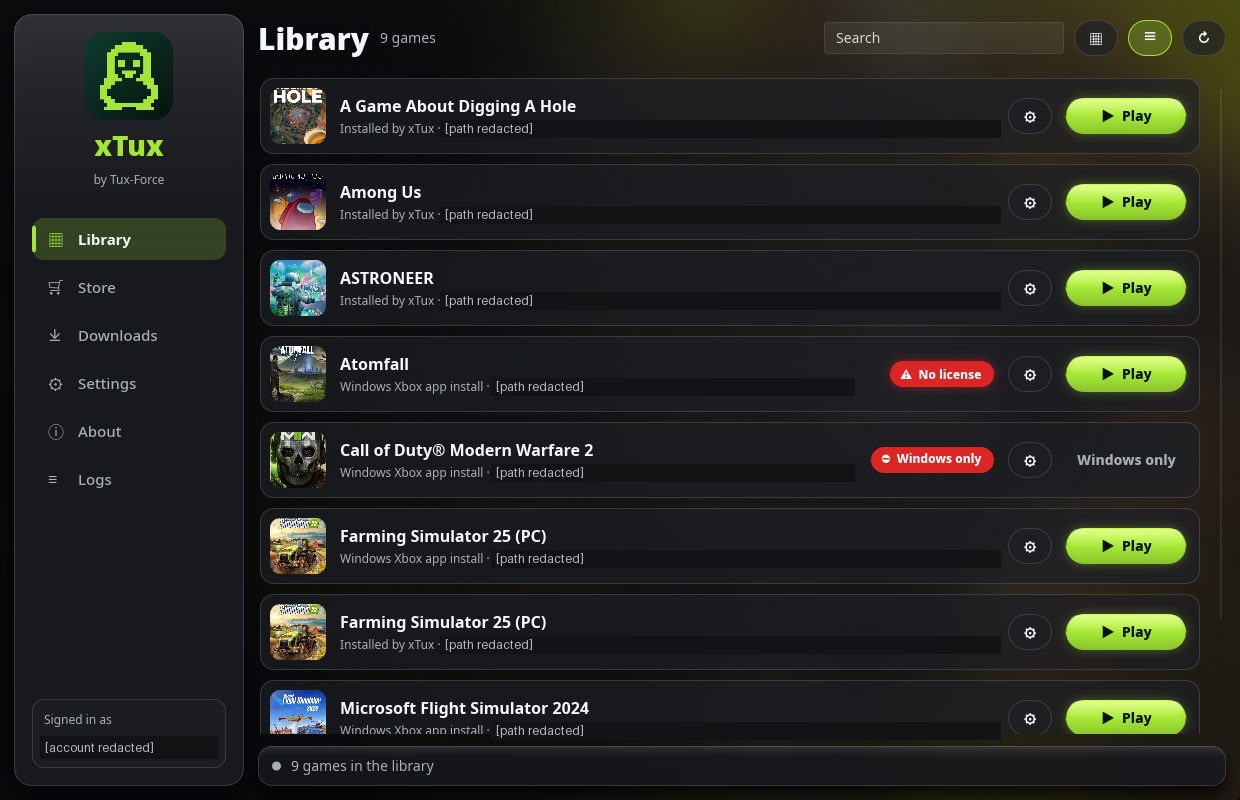
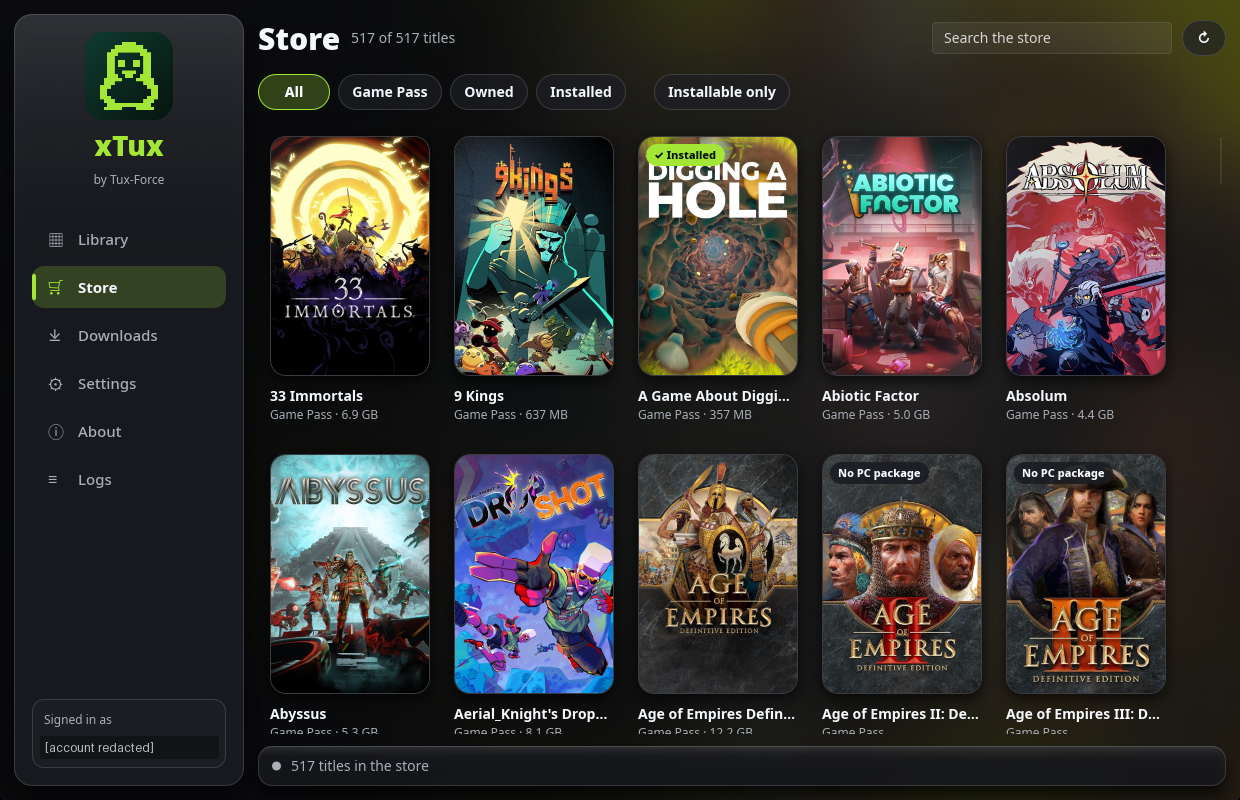
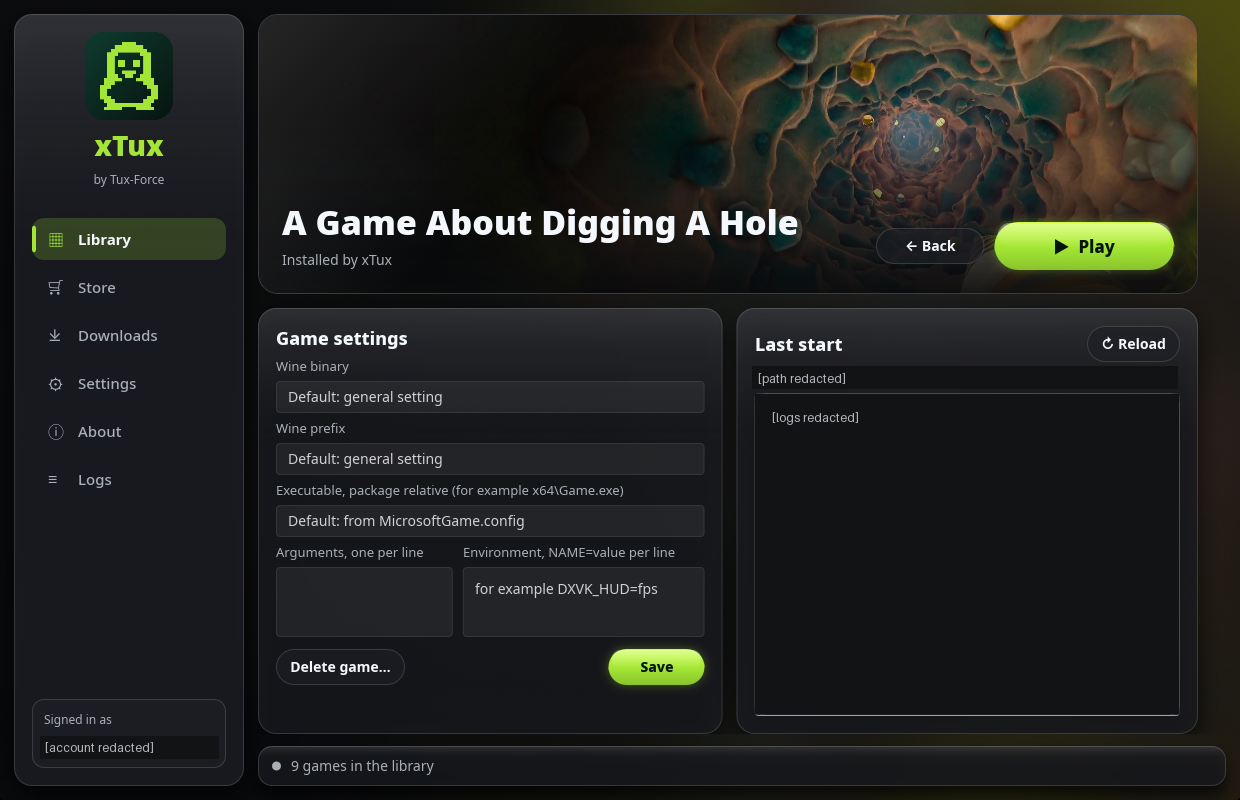
1 / 3 — Library
Legal, with real licenses
No cracks and no license bypass. Only games your Microsoft account owns or your subscription includes will start. Account tokens stay on your PC and only go to Microsoft.
A whole ecosystem
Not a single tool: sign-in and licenses, downloads, the GDK runtime, a Wine build, automatic prefix setup and a graphical launcher with a Store catalog. Community compatibility reports come next.
Dual boot friendly
Games installed by the Windows Xbox app run straight from the Windows partition, no second download. xTux installs use the same layout.
AI welcome
Tux-Force is built with AI tools in the open, and AI-assisted contributions are welcome. What counts is a tested, reviewed result.
Tux-Force is early software. Farming Simulator 25 plays completely, including saves, ModHub and Xbox Live. Microsoft Flight Simulator 2024 signs in and reaches its services but does not get past its own backend yet. See the compatibility list for details and the roadmap for what comes next.